
What launched
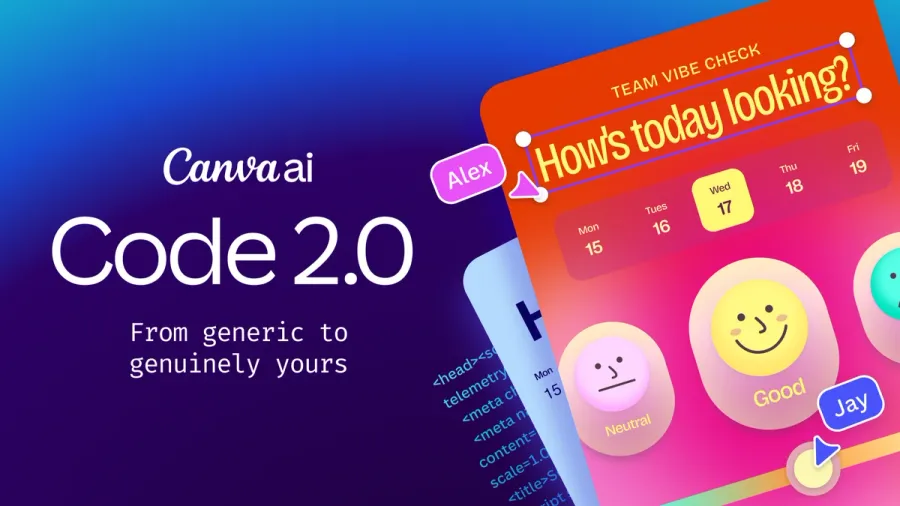
Canva opened up Canva Code 2.0 — its AI “vibe coding” tool for turning plain-language prompts into interactive websites, apps, and landing pages — to its entire user base, including free accounts, on July 14. Previously gated to higher tiers, the tool is now available across free, Pro, Business, Enterprise, and Education plans.
Users can start a project from a text prompt, one of more than 50 new interactive templates, or by importing raw HTML generated by another AI coding tool. From there, the result behaves like any other Canva design: swap in images by dragging from Canva’s library of 120 million-plus assets, adjust colors and fonts from the standard toolbar, click into any element to retype text directly, or ask Canva AI to make a specific edit — instead of the usual vibe-coding loop of re-prompting and hoping the whole layout doesn’t shift.
Why it matters
Most AI coding tools stop at “it works” — turning visual polish into a separate, often technical, editing pass. Canva’s pitch is collapsing that gap: the same drag-and-drop editor 265 million monthly users already use for slides and social posts now produces and edits fully interactive, responsive sites and apps, with real-time multi-user collaboration and in-editor commenting built in.
For FounderMag’s audience — marketers, small-business owners, and non-technical founders in particular — this lowers the bar for shipping a working microsite, internal tool, or campaign landing page without looping in a developer or a separate design tool. Canva says the update also cut average code-generation time by 75% and the median time from prompt to a published site by 30%, and that its community has built more than six million sites with Canva Code since it first launched about a year ago.
Pricing
Canva Code 2.0 is included across Canva’s existing plans rather than sold separately: free accounts get a limited AI-credit allowance, an AI Pass add-on (roughly $100/month) raises the usage quota for Pro/Business users, and Enterprise customers get the broadest AI capacity. Publishing a finished site supports a free Canva subdomain, a purchased custom domain, or restricted internal sharing via single sign-on.
Where to try it
Canva Code is live now inside the Canva editor at canva.com for any account tier; details on the 2.0 update are on Canva’s Newsroom.